Arbor – Glossary of key terminology for Assessments
Arbor – Glossary of key terminology for Assessments
Types of Assessment
Summative Assessment (including Progress 8)
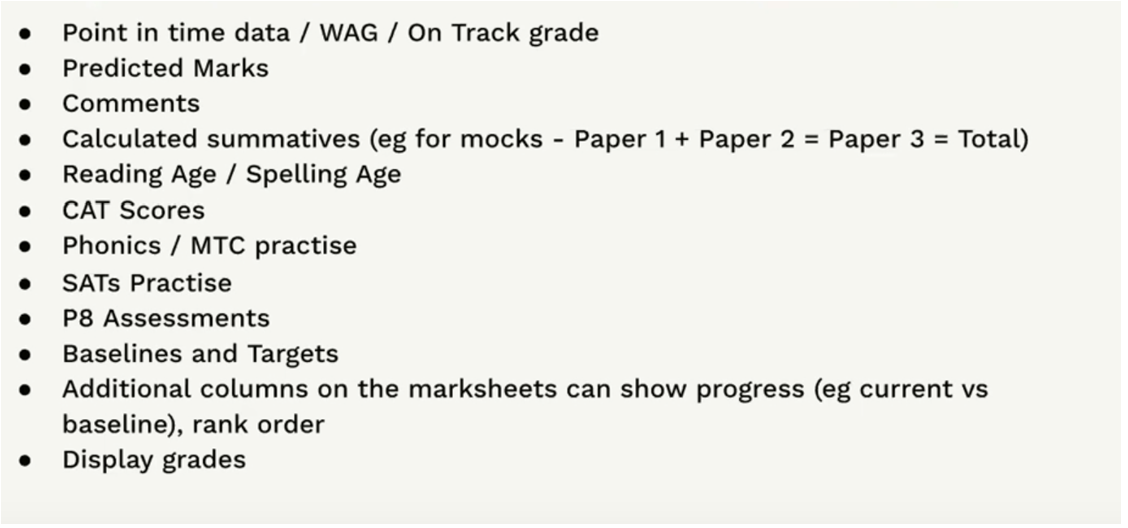
Record assessment results at key points throughout the year to measure student’s overall knowledge and progress. Students are given a mark or grade for each point in time.
Examples;
Formative Assessment
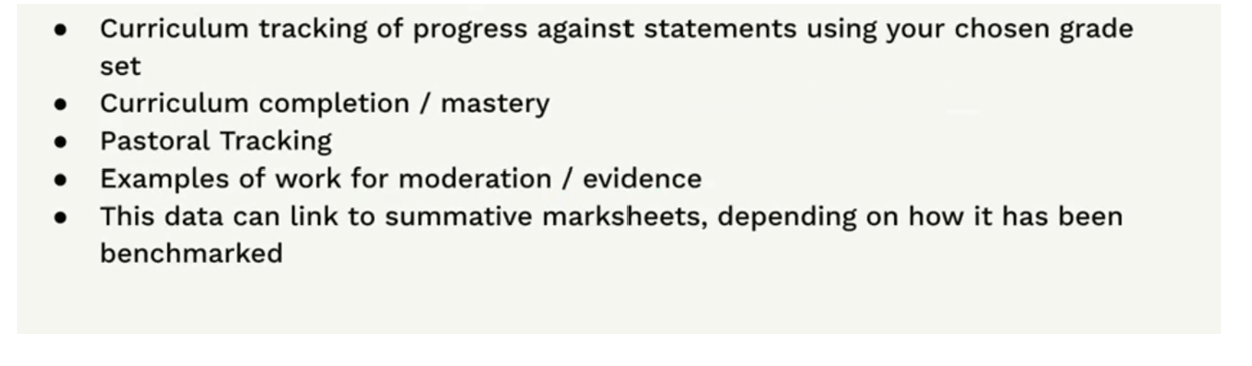
Formative Tracking focuses on the specific skills students are achieving, marked continuously. Students are marked based on their understanding of individual statements. In Arbor, we only offer Curriculum Tracking formative assessment type.
Examples;
Ad Hoc Assessment
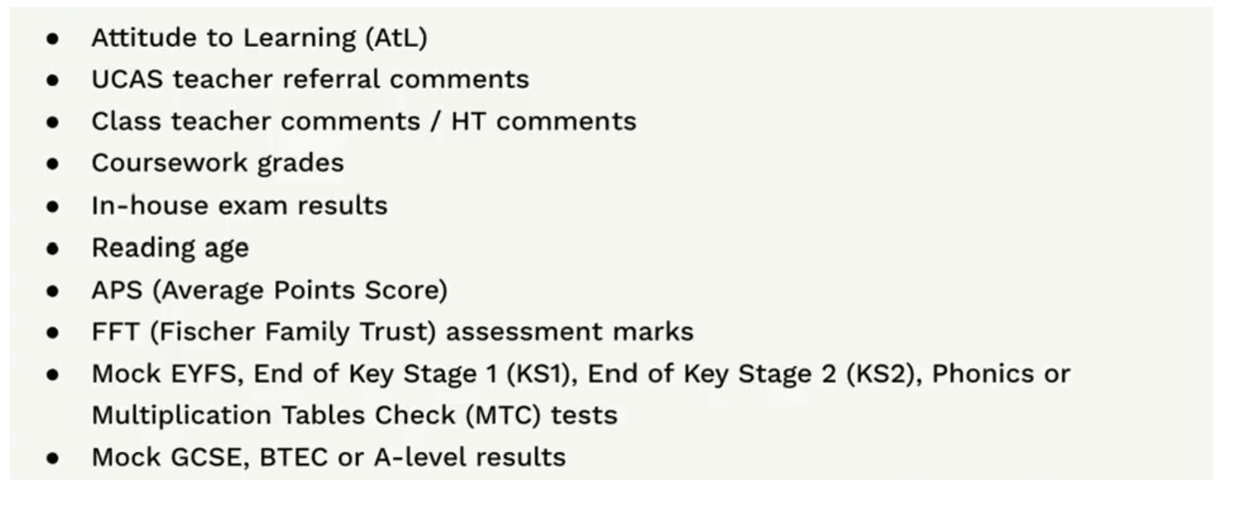
Ad hoc assessments can be used to assess things normally not collected in summative tests, or for extra non-academic assessments you want to record, for example swimming distances or Attitude to Learning.
Examples;
DfE Assessment
Record and submit results for the end of key stage and phonics tests.
Examples;
End of Key Stage 1 and 2
Early Years Foundation Stage Profile (EYFSP)
Phonics Screening Check
Multiplication Tables Check (MTC)
Assessment properties
Assessment period
An assessment period is a defined period in which assessments are being taken and marked. They could be the same as terms (Autumn, summer, spring) or half-termly or completely customised.
Grades, baselines and targets
The grade that the student has received for the particular assessment after it has been marked.
- Baseline – Students start with a baseline at the beginning of the year. This will usually be their final grade from the previous year or the lowest grade for students new to the assessment.
- Current grade – Throughout the year students have a current grade in their current assessment period.
- Target – A predicted grade that has been given for a student for a particular assessment. For example, the teacher expects Jonny to get a 5 in his Maths paper for this term.
Gradeset
A grade set determines the rules and names of the grades. For example a scale from 1-6 where 1 is the worst and 6 is the best grade. You can choose a pre-defined grade set or set up your own before setting up an assessment.
Assessment setup
Assessment Framework
The Assessment Framework includes all the supporting information that makes up an assessment, such as the grades that are used or the name of the assessment. You can manage grade point scales and grade sets, assessments that can be added to the Annual Policy and the marksheet settings such as which columns should be shown.
Annual Policy
The Annual Policy includes all aspects of assessments that are specific to an academic year, such as which assessments students are taking and Data Collection dates. In this section, you will also be able to manage your assessment periods, assessable courses, curriculum expectations, and schoolwide targets for the year.
You’ll need to add assessments to your Annual Policy every year to select which of your assessments you’ll be using.