Bromcom: Unable to change staff absence end times
Staff List Page>Choose Staff>Actions>Add Absence (and creating absence via Staff Profile page) How to Record Staff Absence – Bromcom – Documentation Centre
You may find, when entering a Staff Absence, whether you select specific time (eg half day, 3/4 day) the time changes to a default time.
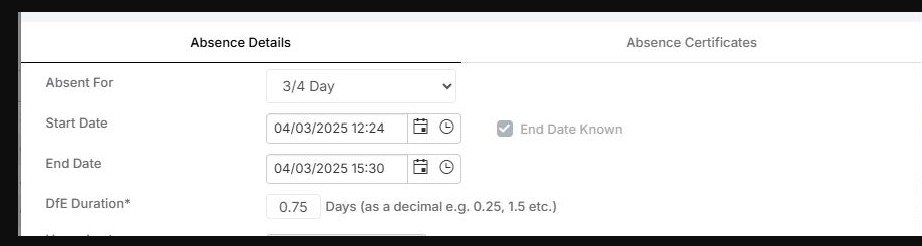
In order to rectify this, you need to set the absence to “1 or more days ” and absence type “continuous days” . You are then able to add a more specific start time and end time.
If you are selecting the other options for absence set it will look at the period structure for the school.