Bromcom: Asking for “PIN” when deleting a student record
You may be trying to delete a pupil and are being asked for your PIN? How do you find out what your user PIN is?
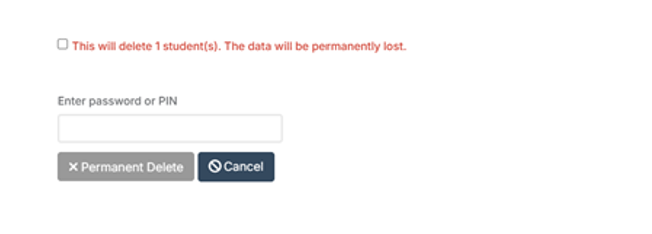
Request for a PIN usually means you’re an SSO user logging in with O365 or Google, and you were prompted to set your PIN number the first time you logged in with SSO.
Go to;
Others > Type dropdown: User Account > Find and select yourself > View.
Click Reset SSO Pin button across top (assuming you have relevant permissions)
Log out. Log back in. You’ll be prompted to make a new pin.