| |

Bromcom: How to see who has received MCAS push notifications

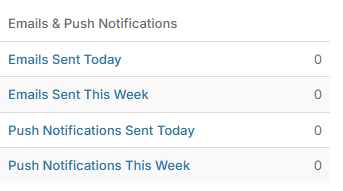
To see who has received push notifications you can use Modules > Communication > Overview to see who push notifications have been sent to:


You can use Modules > MyChildAtSchool > Overview to review app installations:



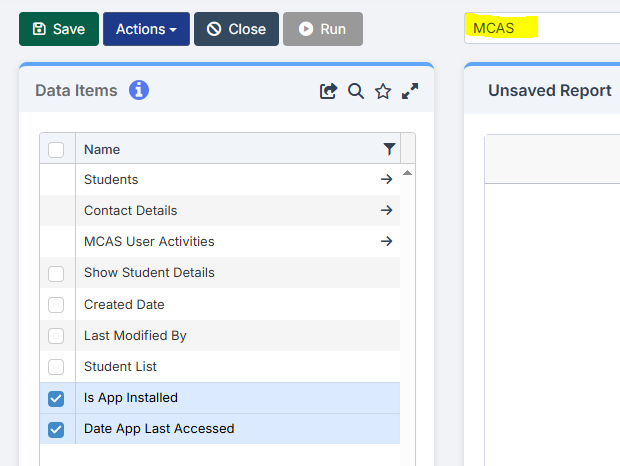
Additionally there is an MCAS domain in Quick Reports for the school to create their own bespoke report on App installations:
How useful was this article?

Click on a star to rate it!

Average rating / 5. Vote count:

No votes so far! Be the first to rate this post.

Similar Posts

  • Changing file viewing options in Windows

    How to check that hidden files and folders, along with known file extensions, are displayed correctly.

  • Bromcom Finance: How do I setup a Free Text (Sundry) invoice

    Sundry Invoices should be raised for ad hoc and/or infrequent payments e.g. for payments to staff. You cannot raise a purchase order or free text order against sundry suppliers. Sundry suppliers and invoices can be setup as below: Browse to Modules> Finance> Homepage>Supplier and complete the supplier setup if not already done Tick “Sundry Supplier”…

  • MCAS – What is included and how do I get started?

    My Child at School is a useful communication tool for schools to use with parents which can be configured to give applicable  in the following areas:   Assessment Attendance Behaviour Class Lists Clubs and Trips Dinner Money Online payments Exams and exam timetables Homework On Report Parents Evening Reports Timetable Academic calendar School shop Parental…