Configuring the General Settings in MyChildAtSchool
In this KB we’ll explain the settings available under the General Settings area of MyChildAtSchool (MCAS)
Navigating to General Settings
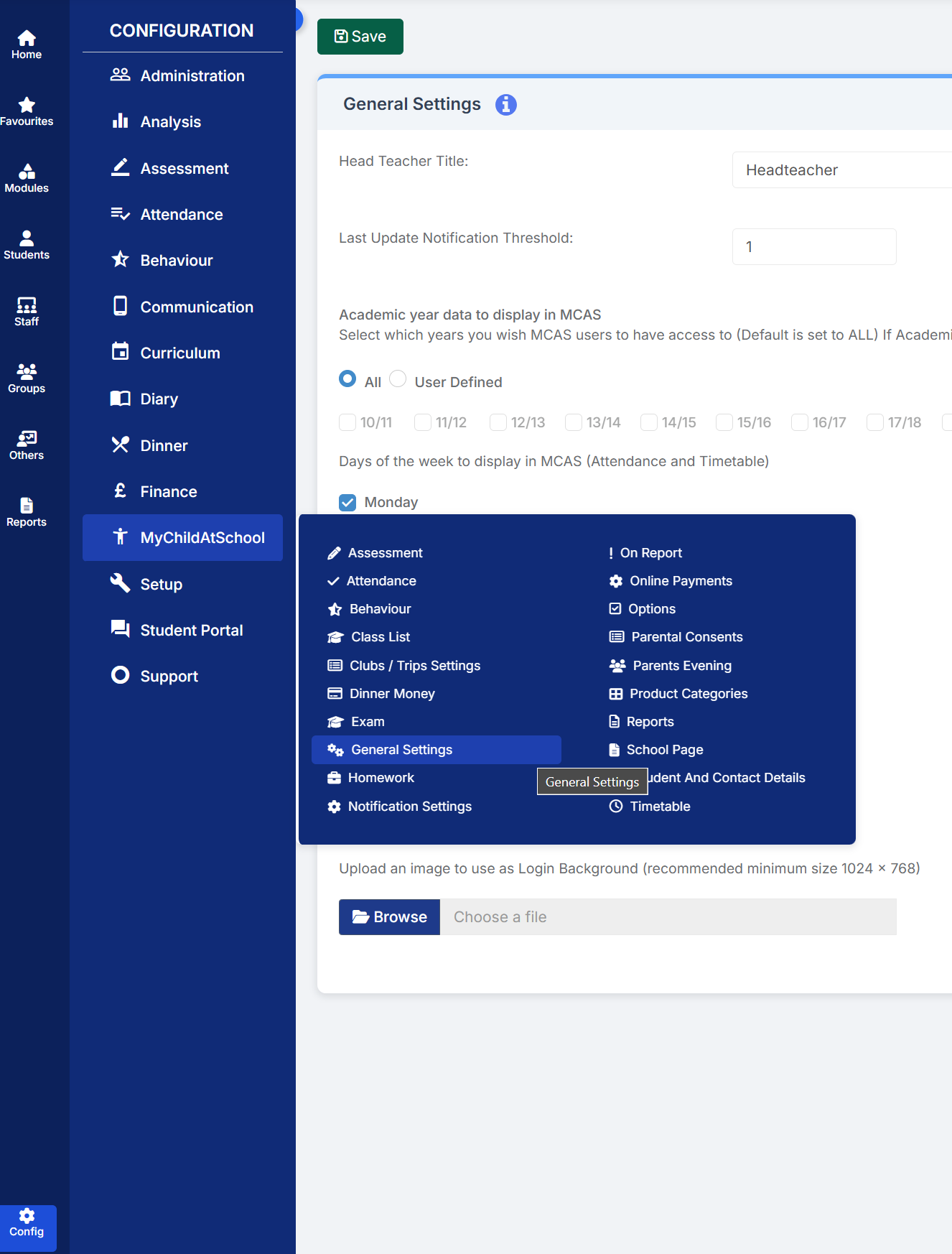
General Settings for MyChildAtSchool is located under Config>MyChildAtSchool>General Settings
A Tour of General Settings
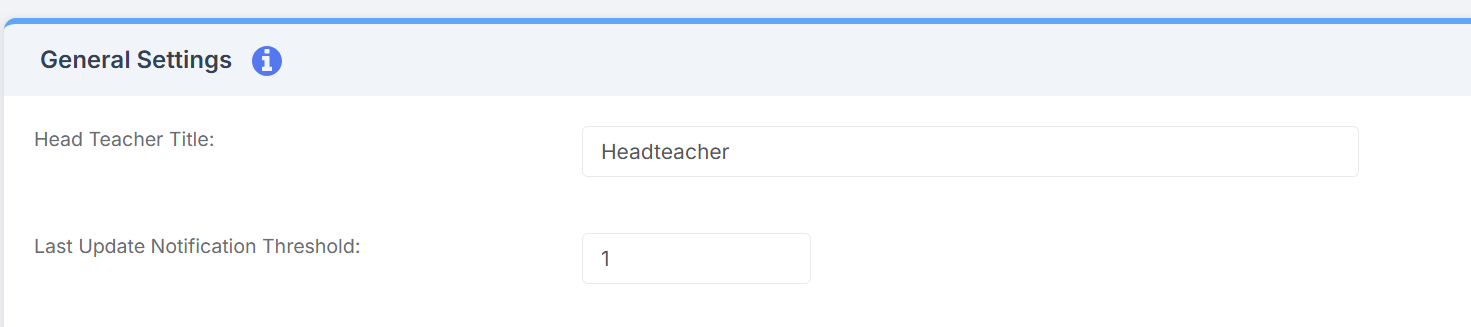
As you enter the General Settings area you’ll see the Head Teacher Title field, in this area you can customise which title appears in MyChildAtSchool. Below this field is the Last Update Notification Threshold setting, this setting allows you to adjust how many days a parent/guardian can use MyChildAtSchool for before it will ask them to check their contact information.
By default MCAS will display data from all Academic Years, however, you are able to define which years you wish to include by ticking the User Defined field, followed by selecting the year(s) you wish to use. This section also allows you to choose which days Attendance and Timetabling information will appear for in MCAS. Days that have been ticked will be included, whilst those without ticks won’t be, by default Monday – Friday will be ticked.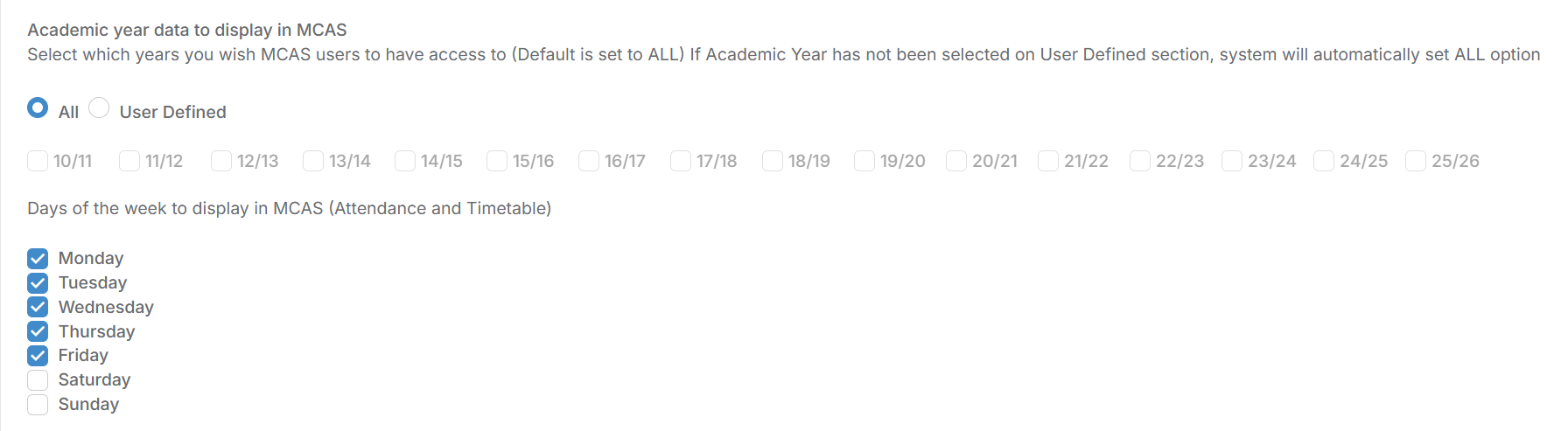
In the next section, you’ll be able to decide whether parents/guardians of students who’ve been taken off roll are automatically removed from MCAS. You can also choose whether MCAS uses preferred names instead of legal names, and whether MCAS will use the preferred communication language for parents/guardians who’s first language isn’t English. You’ll also notice the Self Sign-Up for Parent’s option, this allows parents/guardians to sign-up to MCAS themselves, without having to be invited. This can be useful in some instances, however Bromcom recommend that before using this you make sure that anyone who shouldn’t see student details is dealt with manually.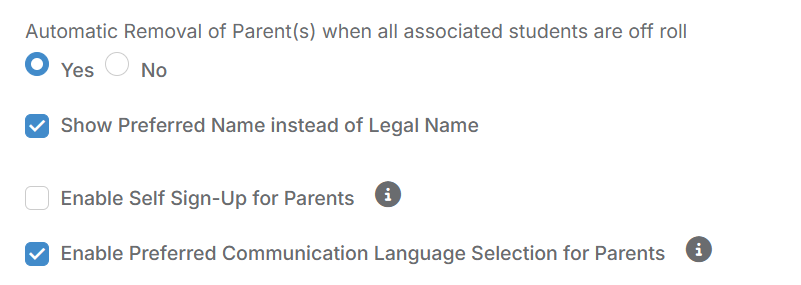
Finally, you can upload an image to act as the background to the login screen. Bromcom recommend that the minimum size you use for this is 1024×768, once uploaded, you’ll be able to load a demo of what the finished login screen will look like.