How to Remove or Delete Bromcom User Accounts
Scomis does not recommend deleting user accounts, and the routine should only be used in cases where the accounts have not been used by a staff member (i.e. duplicate accounts created or the staff member does not start at the school). All account deletion is irreversible. We will highlight the account deletion process at the bottom of this article, but fully recommend making accounts inactive.
Making user accounts inactive
- Browse to Modules > Setup > System Security > System Users and open the record of the account you wish to deactivate.
- Remove the tick from ‘The user can log into the system’ tick box under the User Login Details section
- Click the Save button at the top of the screen.
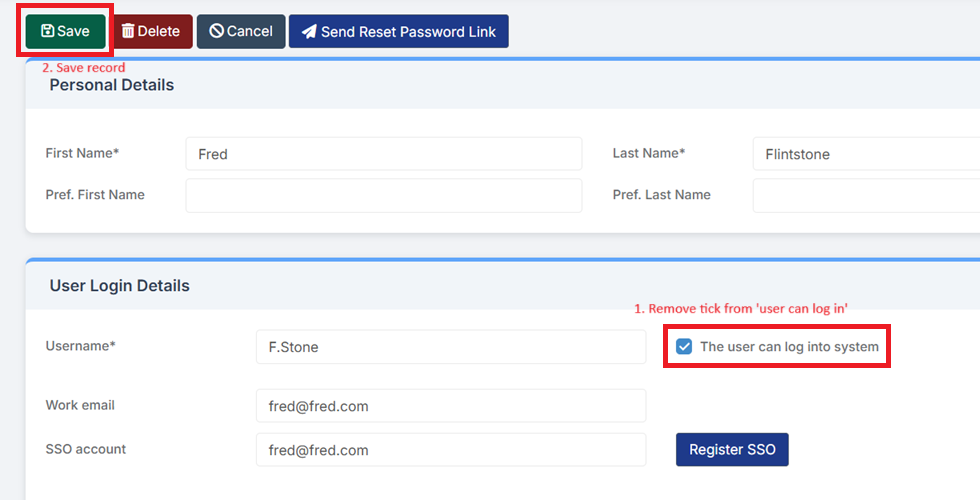
This process will retain the account and their audit history, but will not allow the user to log into the system.
Deleting user accounts
- Browse to Modules > Setup > System Security > System Users and open the record of the account you wish to delete.
- Click the Delete button at the top of the record.
- You will see either a prompt asking you if you wish to continue, or warning you that data exists.
a. Screenshot showing account can be deleted without issue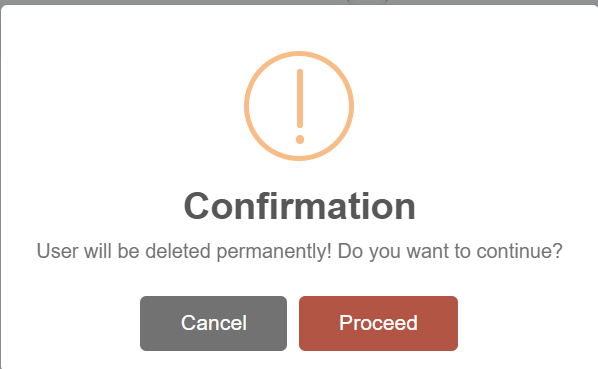
b. Screenshot showing account should not be deleted
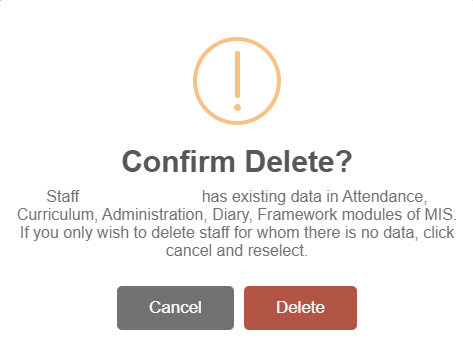
Upon clicking Delete, you will be prompted for your password or single sign on PIN to confirm deletion.
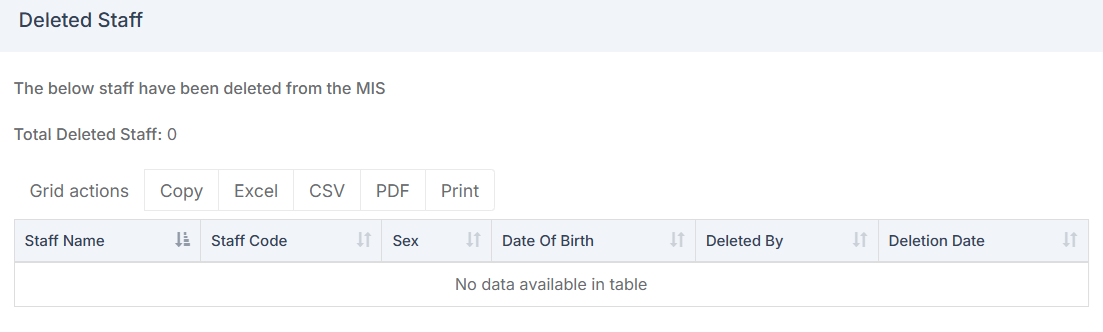
Accessing a list of Deleted Staff
If needed, you can view/access a list of all Deleted Staff on the Staff List page by clicking on Staff > Actions > Deleted Staff. It will show you their information, along with who deleted the account and when.