Bromcom: Blank screen in MCAS
Issue: A parent is logging into MCAS but is being greeted with a blank screen.
Resolution: This is likely to be caused by the contact having 2 records within Bromcom.
Go to Others > Contact and search for the contacts name
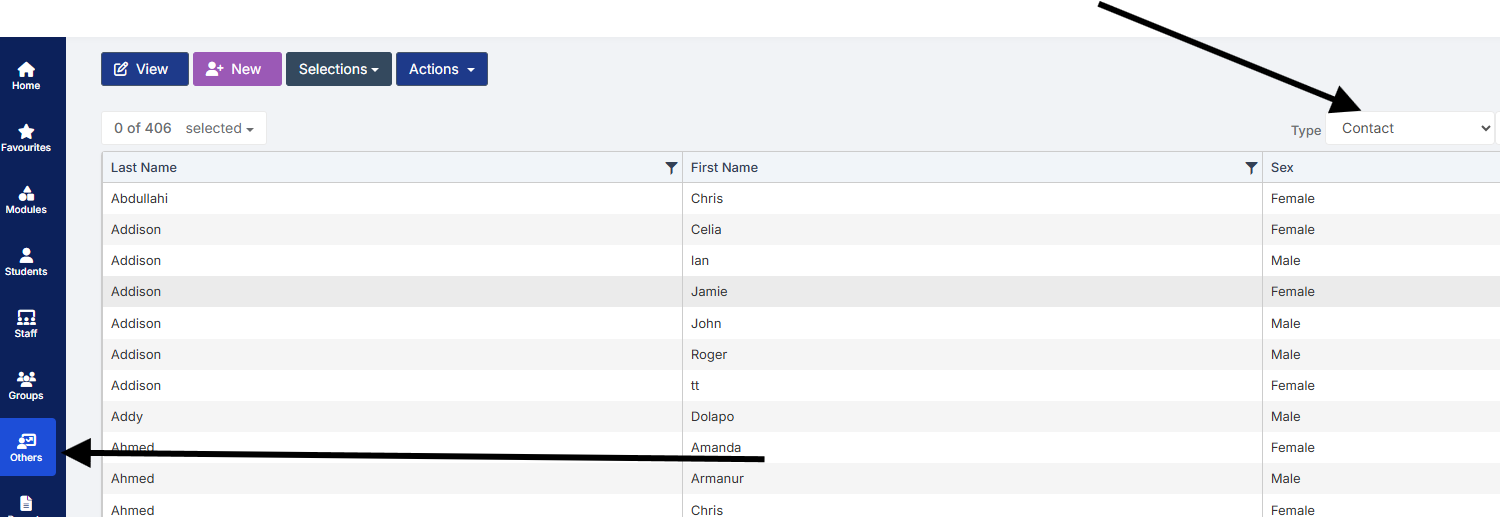
Double click on one of the duplicated contact records and remove the student from the Linked Student tab.