Examination Bulletin 2025
Key Dates:
Restricted release of results to centres only (00:01);
– Wednesday 13 August 2025: GCE AS and A-level, FSMQ, Extended Project, Level 3 Vocational and Technical qualifications
– Wednesday 20 August 2025: GCSE, ELC, Foundation and Higher Projects, Level 1 and Level 2 Vocational and Technical qualifications
Release of results to candidates (08:00);
– Thursday 14 August 2025: GCE AS and A-level, FSMQ, Extended Project, Level 3 Vocational and Technical qualifications
– Thursday 21 August 2025: GCSE, ELC, Foundation and Higher Projects, Level 1 and Level 2 Vocational and Technical qualifications
The Service Desk will be open from 7am – 5pm on 13th & 20th August and from 8am – 5pm on 14th & 21st August. To contact us call 01392 385300, email scomis@devon.gov.uk or log a case via MyScomis
Updates:
Bromcom KS4 Performance Measures Update – 19/08/2025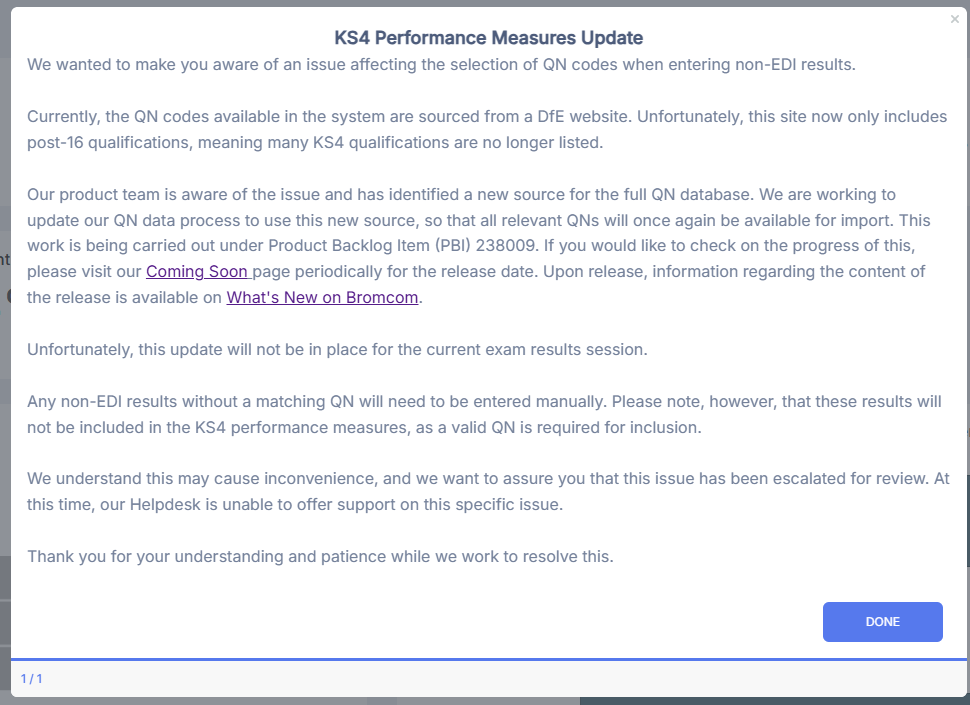 Arbor Statement of Results Report – 13/08/2025 @ 08:30
Arbor are currently aware of issues with component results not importing at the moment. Their engineers are investigating this as a priority right now. We will update this post when we receive further information.
Update at 09:23 – Arbor have now released a fix for this issue. If you are still experiencing issues with component results not showing please contact the Service Desk.
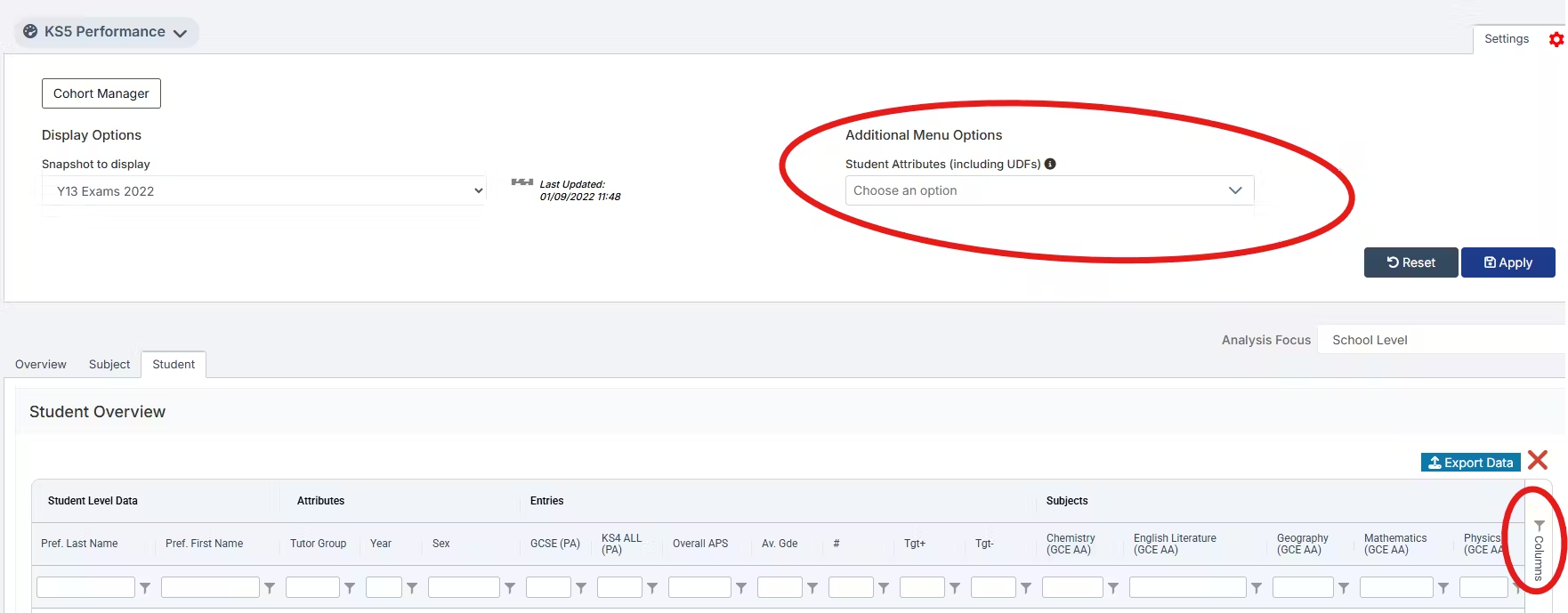
Change for Bromcom Assessment templates
 Bromcom A2C
Bromcom have issued an A2C update in readiness for results day. To read this update please see A2C Exams Update
Useful Links:
For JCQ regulations on the publication of Examination results see here.
For Pearson guidance on receiving BTEC Results files by EDI ( Electronic Data Interchange) see here
16 to 18 qualifications, discount codes and point scores – GOV.UK
Key stage 4 qualifications, discount codes and point scores – GOV.UK
This FAQ will continually be updated with any new information as it is received.
Arbor
Top FAQ’s:
- Useful Exam Documents
- Using Exams in Arbor
- How does Examination Basedata work in Arbor?
- Setting Embargo dates for Exams
- Exam Results Administration in Arbor
- Enter candidates into Non-EDI qualifications
- Add or import exam results into Arbor – Arbor Help Centre
- Creating and sharing statements of exam results – Arbor Help Centre
- Changing exam results after a review of marking – Arbor Help Centre
- Change or add a new Non-EDI Aspect Gradeset – Arbor Help Centre
- Why can’t I import my results file?
- Exam results analysis in Arbor – Arbor Help Centre
- Managing 9B files and generating Pearson 7B Results Request files – Arbor Help Centre
- Exporting your examination results for analysis outside of Arbor – Arbor Help Centre
- Examinations FAQ
Bromcom
Guidance Notes:
Top FAQ’s:
- How to Import, Upload and Refresh Basedata
- Exam Results import errors
- WJEC Exams Basedata
- How to Create an Examination Embargo
- How to Configure Exams for the Student Portal – Bromcom – Documentation Centre
- Exams Results FAQ
- How to View, Edit and Add Exam Results
- How to Add Non EDI Exam Results
- How to Export Exam Results
- How to Send Candidate Results Reports by Email
- How to Report on Student Email Priority using a Matrix Report
- Importing Cambridge Technicals
- How to use Exam Option Subjects
- Setting up and Using the KS4 Performance Dashboard
- How to add Exam Results to an Assessment Sheet
- Exams Embargo – Formula Visibility in Assessment Sheets