Bromcom: Updating Staff Current Job Title
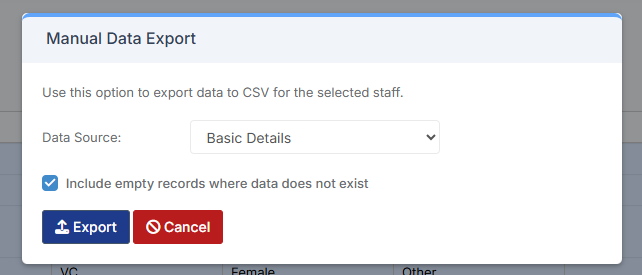
To update the staff current job title in bulk go to Staff > Selection > Select All and then Actions > Manual Data Export.
From here select “Basic Details” and tick “Include empty records where data does not exist” and click Export
Open the spreadsheet that has been downloaded and enter all required information.
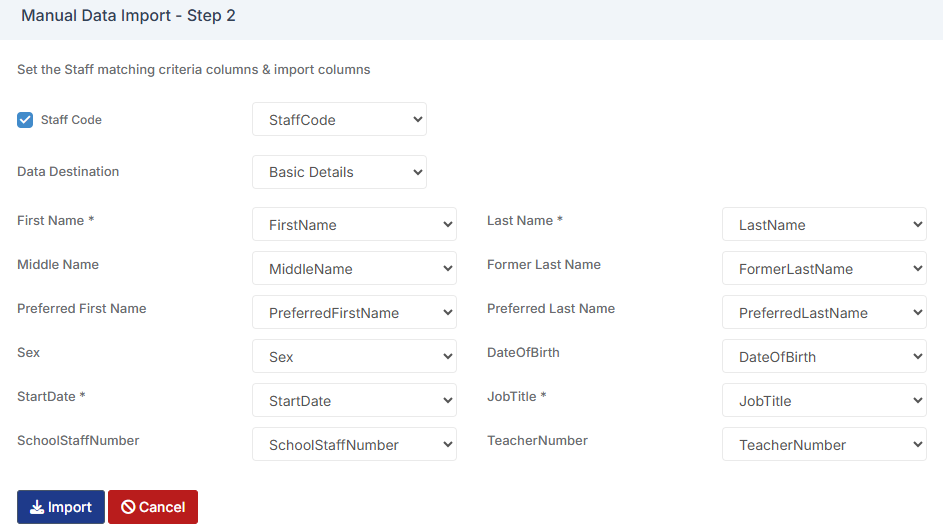
After saving the spreadsheet go back to Bromcom > Staff > Selection > Select All and then Actions > Manual Data Import.
Select the spreadsheet and go to the next step of the wizard. This will then allow you to match the criteria columns & import columns.